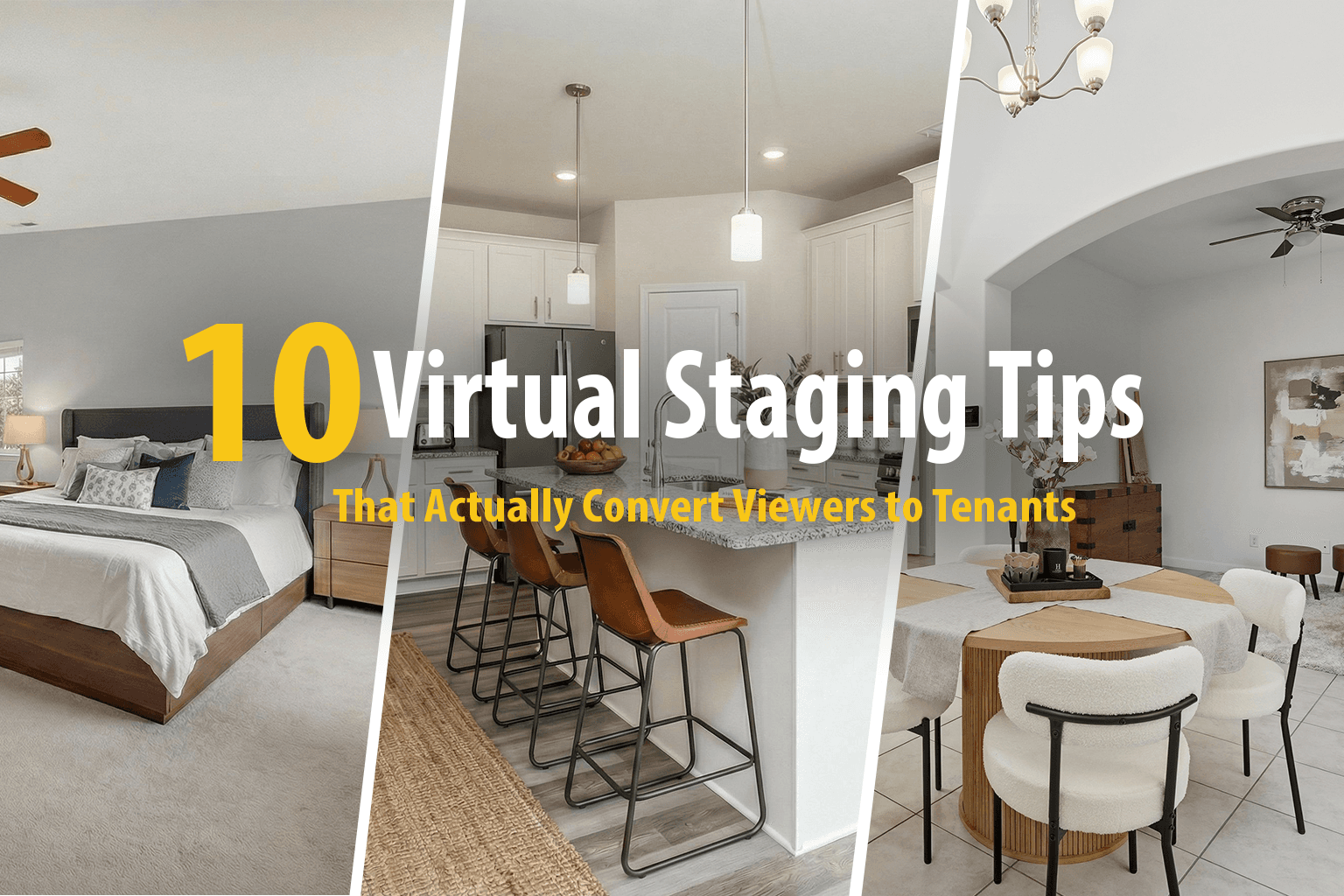
10 Virtual Staging Tips That Actually Convert Viewers to Tenants
Key Takeaways
- Match staging style to your target renter demographic
- Less is more—avoid over-staging with too much furniture
- Always disclose that photos are virtually staged
- Prioritize staging living room, primary bedroom, and kitchen
Virtual staging has become an essential tool for property marketing, but not all staged photos are created equal. Here are ten proven tips to make your virtually staged listings stand out and convert more viewers into tenants.
1. Match the Style to Your Target Renter
A luxury downtown apartment should be staged differently than a family-friendly suburban home. Consider who your ideal tenant is and stage accordingly. Young professionals might appreciate modern, minimalist designs, while families may respond better to warm, inviting spaces with practical furniture arrangements.
2. Don't Over-Stage
One of the most common mistakes in virtual staging is adding too much furniture. Empty space is valuable—it helps viewers imagine their own belongings in the room. Stick to essential pieces:
- Bedrooms: Bed, nightstands, and perhaps a dresser
- Living rooms: Sofa, coffee table, and an accent chair
- Dining areas: Table and chairs appropriate for the space
3. Keep Scale Realistic
Furniture that's too large or too small for a room immediately looks fake. Pay attention to standard furniture dimensions:
- A typical sofa is 7-8 feet long
- A queen bed is 60 x 80 inches
- Dining chairs need 24-30 inches of space each
If your staged furniture looks off, viewers will notice—even if they can't articulate exactly why.
4. Respect the Architecture
Virtual furniture should never block windows, doorways, or architectural features. Not only does this look unrealistic, but it also makes the space feel smaller. The best staging enhances a room's natural flow, not fights against it.
5. Add Lifestyle Elements
A few carefully chosen accessories can make a staged room feel lived-in and aspirational. Consider adding:
- Plants and greenery for warmth
- Artwork that complements the color scheme
- Books or magazines on coffee tables
- Throw pillows and blankets for texture
- A neatly made bed with layered linens
6. Maintain Consistent Style Throughout
If you're staging multiple rooms, keep the design style consistent. Jumping from mid-century modern in the living room to farmhouse chic in the bedroom creates cognitive dissonance for viewers. A cohesive aesthetic helps potential tenants envision the property as their future home.
7. Pay Attention to Lighting
Good virtual staging accounts for the lighting in the original photo. Furniture should cast shadows that match the light source, and colors should look natural under the room's lighting conditions. AI-powered staging tools like Quickhome AI handle this automatically, but it's worth double-checking the results.
8. Stage Key Rooms First
If budget is a concern, prioritize staging the rooms that matter most to renters:
- 1Living room — Often the first interior photo viewers see
- 2Primary bedroom — Where people spend the most time
- 3Kitchen — A major decision factor for many renters
- 4Outdoor spaces — Patios and balconies if applicable
9. Disclose That Photos Are Virtually Staged
Always be transparent about virtual staging. Most listing platforms require disclosure, and hiding it can lead to disappointed viewers and wasted showings. A simple note like "Virtually staged to show potential" builds trust while still showcasing the property's possibilities.
10. A/B Test Different Styles
If you're listing multiple similar properties, experiment with different staging styles and track which performs better. You might be surprised—sometimes a style you personally dislike resonates strongly with your target market.
Frequently Asked Questions
How much does virtual staging cost?
Virtual staging typically costs $15-50 per room, compared to $500-3,000+ for traditional staging. The savings add up quickly when staging multiple properties.
Can viewers tell if a photo is virtually staged?
With high-quality AI staging, most viewers cannot distinguish virtual staging from real furniture. The key is realistic lighting, proper scale, and natural-looking furniture placement.
Do I need to virtually stage every room?
No. Focus on the most important spaces: living room, primary bedroom, and kitchen. Secondary bedrooms and bathrooms are less critical and can often be shown empty.
Ready to Stage Your Next Listing?
Quickhome AI offers one-click virtual staging with multiple style options, making it easy to create compelling property photos that convert.
Get Started Free