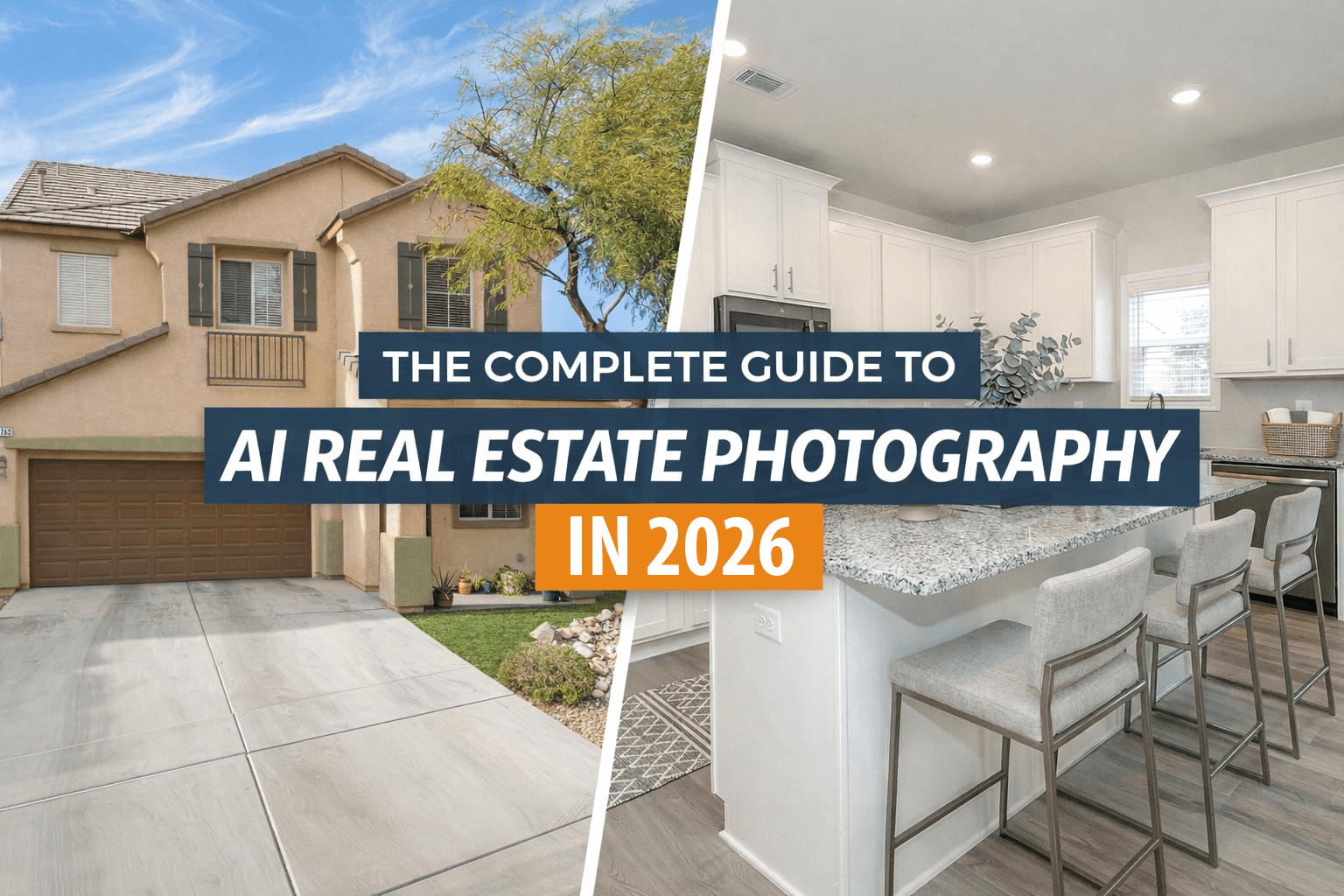
The Complete Guide to AI Real Estate Photography in 2026
Key Takeaways
- Listings with professional photos receive 118% more views
- AI can enhance sky, color, lighting, and even remove clutter automatically
- Virtual staging costs a fraction of traditional staging
- Simple smartphone photos can be transformed into professional-quality images
The real estate industry has been transformed by artificial intelligence, and nowhere is this more evident than in property photography. What once required expensive equipment and professional photographers can now be achieved with a smartphone and AI-powered tools.
Why AI Real Estate Photography Matters
First impressions are everything in real estate. Studies show that listings with professional-quality photos receive 118% more views than those with amateur images. However, professional photography can cost anywhere from $150 to $500 per property, making it cost-prohibitive for many landlords and property managers.
AI-powered photography solutions bridge this gap by automatically enhancing images to professional standards at a fraction of the cost. Here's what modern AI can do:
- Sky replacement — Transform overcast days into bright, inviting scenes
- Color correction — Fix white balance and exposure issues automatically
- Decluttering — Remove distracting items from photos
- Virtual staging — Add furniture and decor to empty rooms
- HDR enhancement — Balance interior and exterior lighting
Getting the Best Results from AI Enhancement
While AI can work wonders, starting with decent source photos will always yield better results. Here are some tips for capturing images that AI can enhance effectively:
1. Use Natural Light When Possible
Open all blinds and curtains before shooting. Natural light creates the most appealing atmosphere and gives AI more data to work with when enhancing shadows and highlights.
2. Shoot from Corners
Position yourself in the corner of a room to capture the maximum amount of space. This technique makes rooms appear larger and gives viewers a better sense of the layout.
3. Keep the Camera Level
Vertical lines should be vertical in your photos. Most smartphones have a level indicator in the camera app—use it. Crooked photos look unprofessional and can make rooms feel unsettling.
4. Take Multiple Shots
Don't rely on a single photo. Take several shots of each room from different angles. AI enhancement works best when you have options to choose from.
Virtual Staging: The Game Changer
Empty rooms are notoriously difficult to photograph and even harder for potential tenants or buyers to visualize. Virtual staging solves this problem by adding realistic furniture and decor to empty spaces.
Modern AI virtual staging is remarkably sophisticated. It can:
- Detect room type and suggest appropriate furniture
- Match lighting and shadows to the existing photo
- Respect architectural features like windows and doorways
- Apply different design styles from modern to traditional
The best part? Virtual staging costs a fraction of physical staging, which can run thousands of dollars for a single property. With AI, you can stage an entire property for the cost of a single room of traditional staging.
Virtual Renovation: Visualize Before You Spend
One of the most significant advances in AI real estate photography in 2026 is virtual renovation. Instead of guessing how a kitchen remodel or bathroom update might look, AI can now generate photorealistic previews of potential improvements directly from your existing photos.
- Cabinet refinishing — visualize new cabinet colors and styles
- Countertop replacement — see granite, quartz, or marble options in place
- Flooring updates — preview hardwood, tile, or LVP in your actual rooms
- Fixture and hardware changes — update light fixtures, faucets, and door hardware
This is particularly valuable for property managers weighing renovation ROI before approving capital expenditures, and for agents who want to show buyers the potential of a dated property.
Compliance and Disclosure in 2026
As AI-enhanced real estate photography has become mainstream, regulations have followed. California's AB 723, effective January 1, 2026, now requires real estate agents to disclose AI-altered images and provide access to original unaltered photos. The NAR Code of Ethics and most MLS boards also require "clear and conspicuous" disclosure of virtual staging and AI enhancements.
When choosing an AI photo enhancement platform, look for tools that:
- Preserve and provide access to original unaltered images
- Make it easy to add "Virtually Staged" or similar disclosures
- Include human review to prevent unrealistic or misleading enhancements
- Draw a clear line between enhancement (lighting, staging) and misrepresentation (adding windows, hiding damage)
What's Next for AI Real Estate Photography
The technology continues to evolve rapidly. Emerging capabilities include:
- 3D room reconstruction from 2D photos
- Video enhancement for virtual property tours
- Seasonal variations showing properties in different times of year
- API-first workflows connecting photo enhancement directly to PMS and listing platforms
Frequently Asked Questions
How much does AI photo enhancement cost compared to professional photography?
Professional real estate photography typically costs $150-$500 per property. AI enhancement services like Quickhome AI cost a fraction of that—usually $5-20 per image—while delivering comparable quality.
What kind of photos work best with AI enhancement?
AI works best with well-lit photos taken from room corners. Even smartphone photos can produce excellent results. Avoid extremely dark, blurry, or heavily cropped images.
Is virtual staging as effective as real staging?
Studies show virtually staged photos perform nearly as well as traditionally staged ones for online listings. The key advantage is cost—virtual staging is 90%+ cheaper than physical staging.
Ready to Transform Your Property Photos?
Quickhome AI makes it easy to enhance your real estate images with professional-quality results. Upload your photos and receive stunning images within minutes.
Get Started Free